The annoying version of image generation in a development workflow looks like this: leave the editor, open a web app, rewrite the prompt, download a file, clean its background, resize it, move it into the project and finally tell the coding agent where it landed.
NanoBridge compresses that loop into a CLI and an MCP server. Any compatible agent can request an image, get a 512-pixel preview back in its own context and receive the full local path for the project.
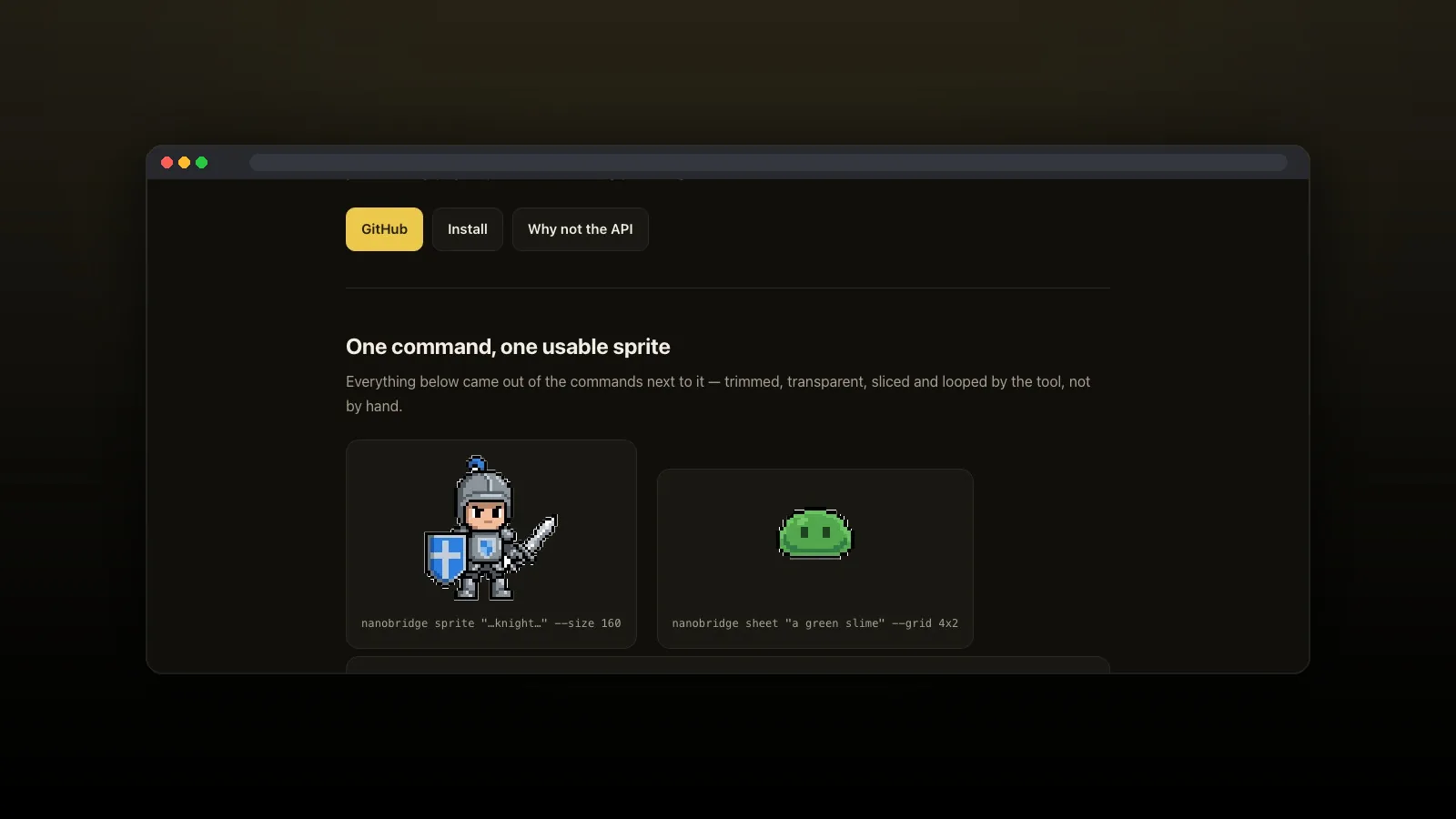
nanobridge sprite \
  "a small knight with a blue shield and a silver sword" \
  --size 160
The bridge uses the access I already have
The obvious backend was the AI Studio API. On an account without image API quota, every image model returned 429 RESOURCE_EXHAUSTED. Enabling billing would solve that while leaving the image generation already included in the Gemini plan unused.
The default backend therefore uses the signed-in Gemini browser session. Setup finds that session and proves it with a real generation. An API-key backend remains available as the more stable fallback for an account with billing enabled.
This is an explicit trade-off. The browser route talks to an interface Google does not document, so it may break when that interface changes. nanobridge doctor reports which backend is alive and how much quota remains instead of hiding the dependency.
Generation was only half the missing tool
A model returns a large image on a flat background. A game project often needs a transparent, trimmed sprite at an exact pixel grid. The bridge includes that mechanical pipeline because asking an agent to improvise it after every generation produces inconsistent assets.
- Border-connected background removal erases only the background that reaches an edge, so a white eye inside the character survives.
- Nearest-neighbour resizing preserves a pixel-art grid instead of blurring it.
- Sheet slicing uses the requested geometry and writes every frame, making a bad generation visible.
- Perceptual palette matching avoids the strange colour choices produced by raw RGB distance.
Commands that cut, slice, pack an atlas or check a texture run locally and consume no model quota. The network call is reserved for the creative part.
Let the agent see what it made
The MCP tools return a downscaled preview alongside the saved paths. That sounds minor, but it changes the loop. An agent that receives only “success: /tmp/sprite.png” cannot tell whether the shield disappeared, the background is still opaque or the sprite sheet ignored its grid.
An agent that cannot inspect its output is automating hope, not review.
With the preview in context, it can reject the result, adjust one part of the prompt or choose among variations. A cast command generates a group together so the model shares a palette and style; a variations command returns a contact sheet so the agent can compare options in one view.
The useful product is the path from prompt to asset
NanoBridge is not a new image model. It is the connective tissue between an existing capability, several coding agents and the filesystem where the result must become useful.
That distinction matters. The model call gets attention, but repeatable background removal, exact sizes, palette files, atlas manifests and an inspectable preview are what make the output usable inside a real project.
The lesson applies beyond images: agent tooling becomes valuable when it closes the last metre between “the model produced something” and “the repository contains something reviewed and ready.”
See the commands, pipeline and limitations.